Cloudflare DLP: how much data leaks before anyone notices
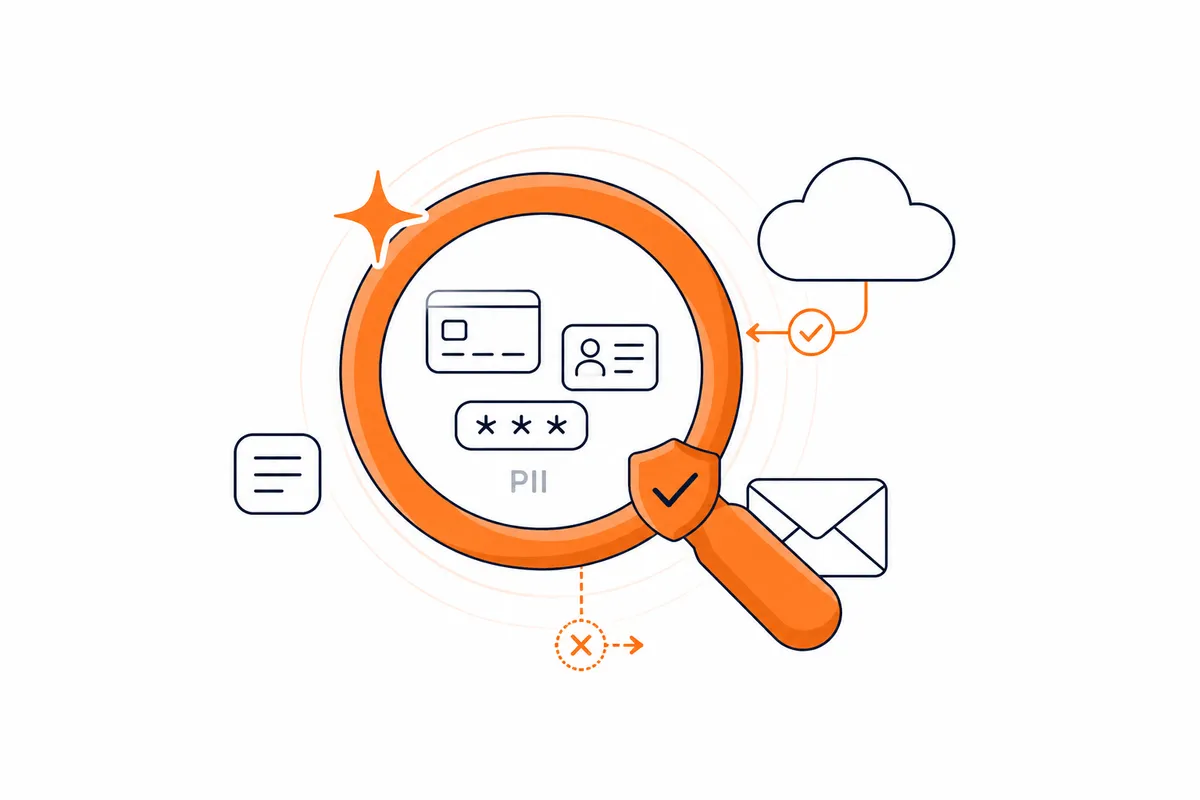
Company data no longer leaks through one well-known path. It leaves wherever employees work today, and most organizations only learn the scale of the problem after the fact, once an incident has already become expensive. Cloudflare DLP is a way to see the problem before it grows into an incident. We show how it works in practice: from profiles, through detection thresholds, to logs.
What insider incidents cost
The scale of the problem shows in the numbers. According to the 2026 Cost of Insider Risks Global Report by Ponemon Institute and DTEX, based on a survey of 354 organizations, the average annual cost of insider incidents reached 19.5 million dollars in 2025, and the cost of incidents caused by employee negligence rather than malice grew 17% year over year, to 10.3 million dollars. Organizations with a formal insider risk management program avoid an average of seven incidents a year and save 8.2 million dollars, and 92% of surveyed organizations admit that GenAI has changed the way employees access and share data.
Where data actually leaks from: four channels
Cloudflare DLP monitors four channels through which data leaves an organization. The first is HTTP traffic passing through Cloudflare Gateway - it requires HTTP filtering and TLS decryption to be enabled, which in practice means installing the Cloudflare One Client agent (formerly WARP) on the device; without it, DLP cannot see the content of encrypted traffic. The second is files stored in SaaS applications, scanned directly through APIs thanks to the CASB integration, independently of Gateway settings. The third is prompts and responses sent to AI models: traffic generated by your own applications and automations that call provider APIs straight from code is handled by Cloudflare AI Gateway, while direct use of public AI tools in the browser is covered by Gateway Application Granular Controls. The fourth channel is outbound email in Microsoft 365, scanned by an Outlook add-in.
All four channels use the same DLP profiles. A rule configured once - for example one that detects payment card numbers - works wherever you attach it, with no need to define it again from scratch.
How Cloudflare DLP works: detection profiles
A DLP profile defines what Cloudflare should look for in traffic. It consists of detection entries, i.e. ready-made detection logic: regex patterns, predefined detections maintained by Cloudflare, Exact Data Match datasets, document fingerprints and AI prompt topics. Optionally, a profile can additionally use data classes and labels that organize results within a broader data classification.
By default, scanned content never touches disk. Cloudflare encrypts it and stores it temporarily in memory only, until a match decision is made. To keep a copy for review, you have to deliberately enable payload logging with a separate encryption key or configure export to Logpush.
What the detection profiles actually detect
Predefined profiles are ready-made sets maintained by Cloudflare. They cover financial information (payment card numbers with Luhn validation), health information, credentials and secrets (AWS, Azure, GCP, SSH, Cloudflare API tokens), unsanitized HAR files, source code in a dozen or so programming languages, national identification numbers from more than ten countries (including Australia, Canada, France, Hong Kong, Indonesia, Malaysia, the Philippines, Singapore, Taiwan, Thailand, the United Kingdom and the USA) and five variants of AI prompt protection: security, customer data, financial information, PII and technical data.
A separate profile, PII Record, has unusual matching logic: it only counts a hit when it finds at least three different types of personal data close to each other. This clearly reduces the number of false positives compared to single matches.
You can also build a custom detection profile tailored to your company's data and risks. A separate option is an integration profile that uses the classification of an external platform, for example Microsoft Purview labels, and requires Cloudflare CASB.
Rules, detection thresholds and logs: how to reduce false positives
Two profile settings let you match detection sensitivity to your organization's reality. Match count sets the threshold of matches before the rule fires at all. Confidence threshold determines how many context words nearby must agree: a low threshold catches more cases but generates more noise, a high threshold is more selective.
In practice, a good starting point is a rule with the Allow action that logs every profile match without blocking anything. Only once the log data confirms the scale of the problem do you add a second rule with the Block action for the high confidence level.
Logs mask matched values by default: the number 123-45-6789 becomes XXX-XX-XXXX. The full payload can only be kept after configuring a separate encryption key, and Cloudflare cannot decrypt it without the client-side private key. To improve accuracy, DLP also uses AI context analysis: a redacted fragment of text around the match is sent as a vector, not raw text, to Workers AI and stored for up to six months in the account's private space, together with the history of reported false and true matches.
Availability, cost and limitations
Full Cloudflare DLP is a paid add-on to the Zero Trust Enterprise plan. Accounts on Free and Pay-as-you-go plans do get free access to two predefined profiles: financial information and national identification numbers. They can also use payload logging and false positive reporting. The remaining six predefined profiles, the ability to create custom detection profiles and integration profiles require the full subscription.
DLP scans text, CSV files, Microsoft Office 2007 and newer documents (docx, xlsx, pptx), PDFs and ZIP archives, including ones nested recursively up to ten levels. Scanning the content of images - for example a screenshot with a card number or a scanned document - requires the separately enabled OCR feature, which first extracts text from the image before it goes into the actual DLP scan.
It is also worth knowing where the tool's role ends. DLP detects the presence of specific, sensitive data in content - it does not protect against attacks on the language models themselves, such as prompt injection or attempts to bypass model safeguards. That area is covered by a separate product, Cloudflare AI Security for Apps, and both mechanisms can be used in parallel on the same traffic.
How ICWT helps
Deploying DLP is more than enabling a ready-made profile. At ICWT we help clients choose profiles and detection thresholds appropriate for their industry and regulations, such as GDPR or NIS2, build custom detection profiles for specific company data, and stage the rollout so that it starts with visibility (Allow and log) and only then moves to blocking - whether it concerns HTTP traffic, SaaS, email or prompts to AI models. If you want to see what this would look like in your infrastructure, contact us.
Sources
- Cloudflare One - Data loss prevention (Overview)
- Cloudflare One - DLP profiles
- Cloudflare One - Predefined profiles
- Cloudflare One - Configure detection entries
- Cloudflare One - Profile settings (match count, confidence thresholds)
- Cloudflare One - DLP logging options
- Cloudflare One - Scan SaaS applications with DLP (CASB)
- Cloudflare One - Integration profiles
- Cloudflare One - Common DLP policies
- Cloudflare One - About the Cloudflare One Client
- Ponemon Institute / DTEX - 2026 Cost of Insider Risks Global Report
FAQ
Does DLP require a separate subscription?
Full DLP functionality is a paid add-on to Zero Trust Enterprise. Two predefined profiles - financial information and national identification numbers - are available for free on Free and Pay-as-you-go plans, together with payload logging and false positive reporting.
Does Cloudflare store scanned content?
Not by default. Scanned content is encrypted and stored only temporarily in memory. A persistent copy is kept only after deliberately enabling payload logging with your own encryption key or configuring export to Logpush.
How is DLP different from AI Security for Apps?
DLP detects the presence of specific sensitive data - card numbers, personal data, source code - in the content of prompts and responses. AI Security for Apps protects against attacks specific to large language models, such as prompt injection or attempts to bypass model safeguards. The two mechanisms complement each other and can be used simultaneously on the same traffic.
How does DLP handle false positives?
With two settings: match count, the minimum number of matches before the rule fires at all, and confidence threshold, the required number of context words near the match. A good practice is also to start with an Allow rule that only logs matches, and calibrate the blocking rule based on that data.
Does DLP scan whole files or only text?
DLP scans the text content of text files, CSVs, Microsoft Office 2007 and newer documents, PDFs and ZIP archives, recursively up to ten levels. Scanning images requires the separately enabled OCR feature, which first extracts text from them.
How does DLP connect with AI Gateway?
AI Gateway uses the same DLP profiles as the rest of Cloudflare One - you configure them once and can use them both for scanning AI model prompts and responses and for HTTP traffic or files in SaaS. More on this in our Cloudflare AI Gateway article.